RASPBERRY PI SETUP :
● Download raspberry pi imager.
● Choose the operating system and go to others and click raspberry pi os (64-bit).
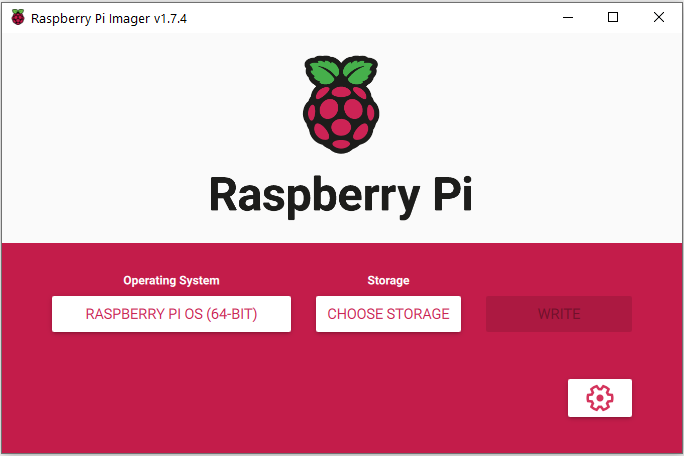
● Then choose the storage as memory card which you connected with the system.
● Then click on write.
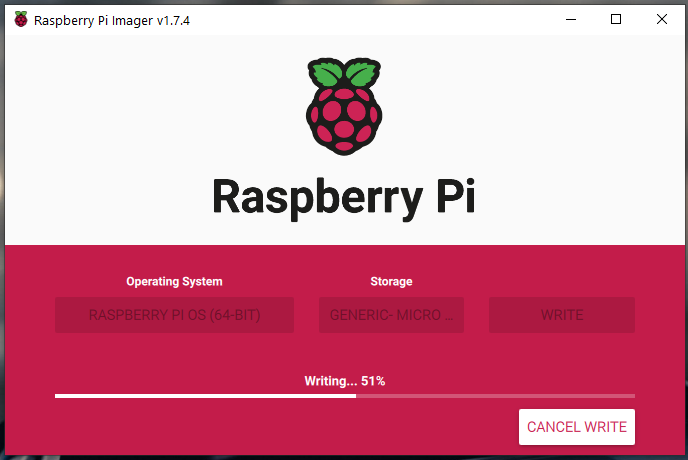
● Then remove the sd card from your system and plug it into rpi board and turn it on then finish the initial setups.
● Setup vnc server and go to preferences –pip configuration – interfaces turn on vnc, ssh, gpio, i2c and. ext. from configuration option .
● Then run the following command in terminal for updating and upgrading the rpi packages.
  -sudo apt-get update

  -sudo apt-get upgrade
(if it asks password enter the password you set it up or if it asks permission to install some file press y to give permission)
Check the python version by using the following commend ,
- python3 –V
● If it’s not 3.9. * install python 3.9
INSTALL TENSORFLOW AND OPENCV :
● Run the following commend for installing required packages for tensorflow installation .
- sudo apt-get install -y libhdf5-dev libc-ares-dev libeigen3-dev gcc gfortran libgfortran5 libatlas3-base libatlas-base-dev libopenblas-dev libopenblas-base libblas-dev liblapack-dev cython3 libatlas-base-dev openmpi-bin libopenmpi-dev python3-dev build-essential cmake pkg-config libjpeg-dev libtiff5-dev libpng-dev libavcodec-dev libavformat-dev libswscale-dev libv4l-dev libxvidcore-dev libx264-dev libfontconfig1-dev libcairo2-dev libgdk-pixbuf2.0-dev libpango1.0-dev libgtk2.0-dev libgtk-3-dev libhdf5-serial-dev libhdf5-103 libqt5gui5 libqt5webkit5 libqt5test5 python3-pyqt5
● It may take a while to install all the packages.
● Then download the tensorflow .whl file based on the os and python version of the rpi
● The link given below is for 64 bit os and python 3.9.*
https://github.com/PINTO0309/Tensorflow-bin/releases/ 👈Click This URL
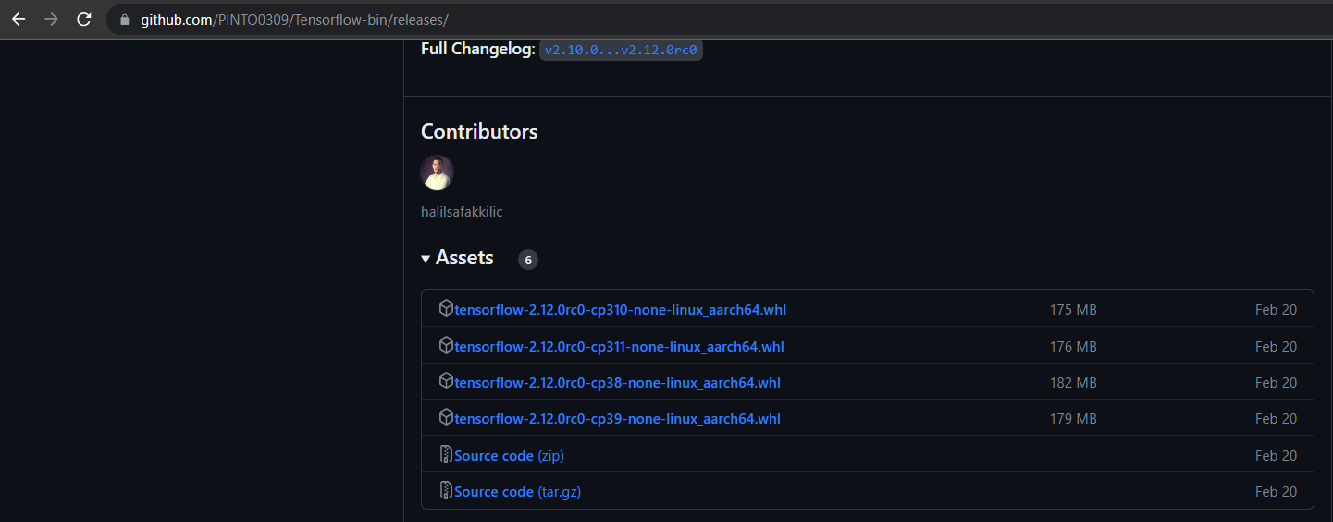
● Download the file using the below commend
https://github.com/PINTO0309/Tensorflow-bin/releases/download/v2.12.0rc0/tensorflow-2.12.0rc0-cp39-none-linux_aarch64.whl 👈Click This URL
Then go to the downloaded file location in terminal the install the file using the below commend
-sudo python3 -m pip install tensorflow-2.12.0rc0-cp39-none-linux_aarch64.whl
(It may take a while) For checking the tensorflow installed correctly or not run the following commends in the terminal if it runs without any error then tensorflow is installed successfully’
            -python3
            -import tensorflow
For installing openCV run the following commend,
            - pip install opencv-python
            Or
            -pip install opencv-contrib-python
Then you can check it by running the following commend,
            -python3
            -import cv2